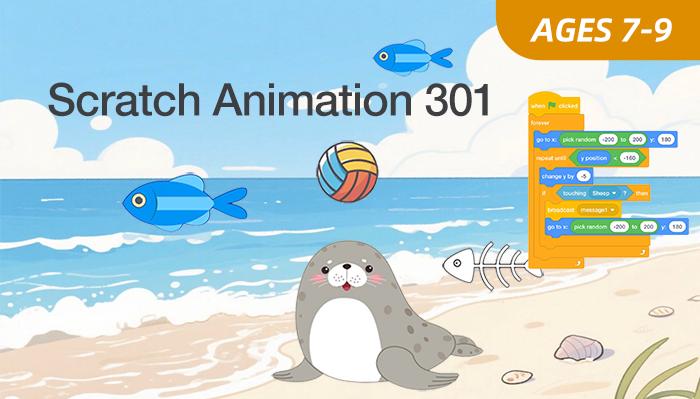
Scratch Animation 301

Master the Full Scratch Environment Through Step-by-Step Video Projects
Hands-On Projects | Online Q&A
Ages 7-9
10 Video Lessons
Self-Paced

Course Overview

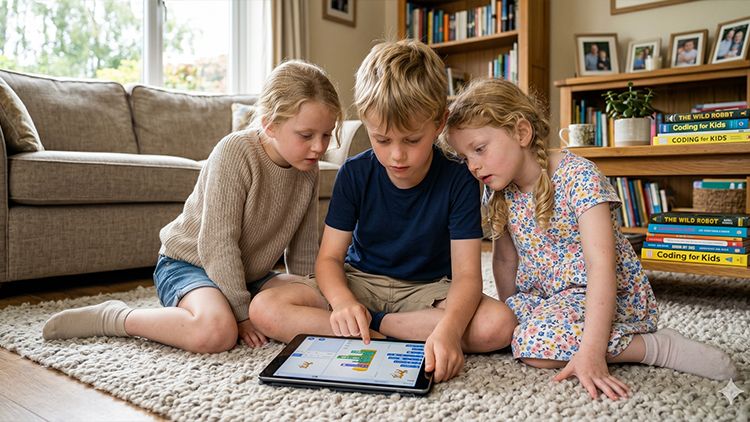
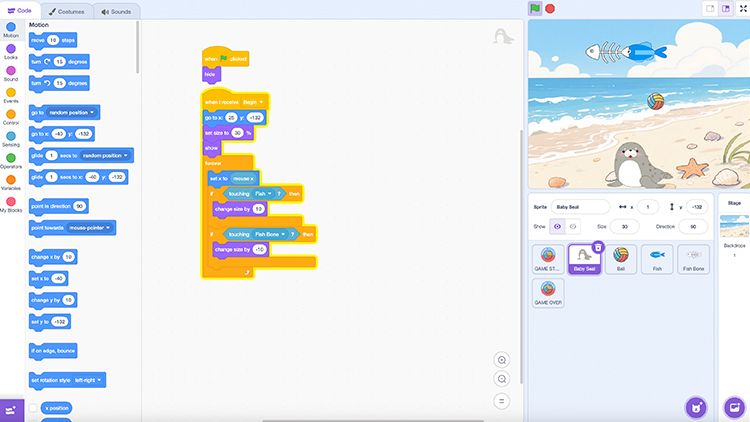
Scratch Animation 301 serves as the definitive self-paced bridge from Scratch Jr to full MIT Scratch. Tailored for 7–9-year-old coding beginners with foundational block-coding experience, it guides learners beyond simple taps to master complex logic, coordinate-based movement, and keyboard-mouse controls.
Through step-by-step pre-recorded video lessons, kids can learn at their preferred speed, tackle advanced coding concepts, and build interactive digital worlds independently, growing from basic animators into confident young developers.

Key Benefits

  • Learn Scratch interface and core programming structures
  • Build projects using events, conditions, and variables
  • Develop structured logic across multi-step systems
  • Solve problems through debugging and iteration
  • Create interactive projects with multiple components
  • Ages: 7-9
  • Level: Intermediate
  • Format: Self-Paced, Hands-On at Home
  • Duration: 10 Video Lessons
  • Software: MIT Scratch (Browser-based)
  • Focus: Early Coding
  • Schedule: Learn anytime, at your pace
  • Support: Online Q&A

$149

×
Course image

Scratch Animation 301
Age: 7–9 years old

Duration: 10 Classes

Format: Self-Paced, Hands-On at Home

$149.00

Student Info

Parent / Guardian Info

Access

  • Immediate access after enrollment
  • One year access
  • Self-paced video lessons
  • Pause and replay anytime
  • Learn anytime, anywhere
  • Stable internet connection required
Can't attend scheduled sessions?

Who Should Learn 

This course is ideal for: 

Rising Programmers

Students aged 7-9 ready for the desktop Scratch 3.0 experience.

Logic Seekers

Learners who want to understand how variables and loops control systems.

Visual Creators

Students interested in designing professional-looking animations and interactive stories.

Persistent Builders

Children who enjoy working on projects over several consecutive lessons.

What Parents & Students Say 

Students receive guided, step-by-step instruction and ongoing platform support throughout their self-paced learning journey.
These on-demand lessons provided my son the freedom to explore advanced coding logic while building his confidence through independent and creative video projects.  
Parent of an 8-year-old student
I loved being able to rewatch the difficult coding parts until my game worked perfectly. The video projects made learning big-scratch feel easy!  
Student, Age 9

Curriculum & Video Lessons

Enrolled students have full access to step-by-step video lessons and instructor-supported Q&A.

FAQs

What hardware is needed?
A laptop or desktop with a web browser is required.
Can we use a tablet?
A computer is recommended for the best Scratch 3.0 experience.
How are the classes conducted?
Students can learn in three flexible formats:
  • Live Online – interactive sessions with American instructors
  • Self-Paced – video lessons to study anytime
  • In-Person – available at select EonSTEM Academy locations
Is Scratch 3.0 free?
Yes, the software is completely free and open source.

Your Next AI Course

Scratch Animation 401

Age: 7-9
Level: Intermediate

AI Smart Lab 101

Age: 8–12
Level: Beginner