Roblox AI Explorer 101

Live, Instructor-Led Learning from Anywhere
Hands-On Projects | Real Hardware | Live Support
Ages 8-12
10 Lessons
Online Live

Course Overview

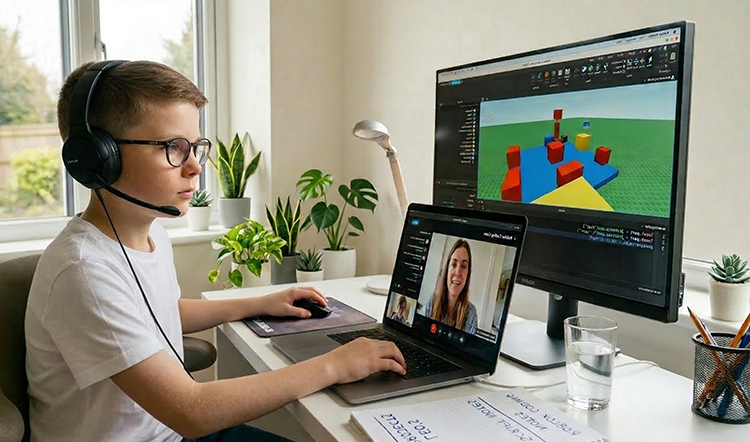
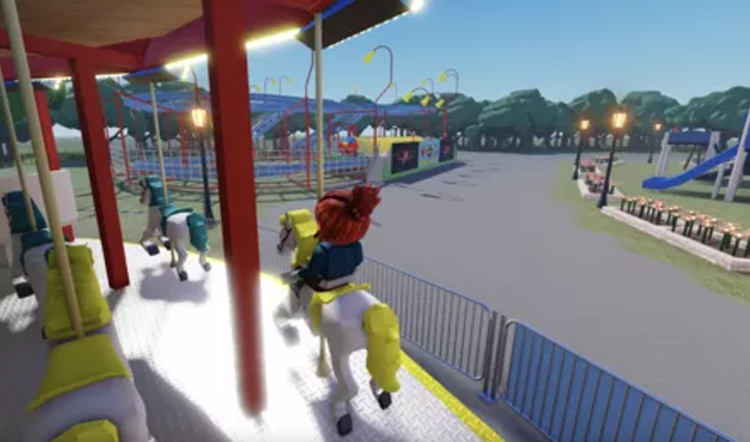
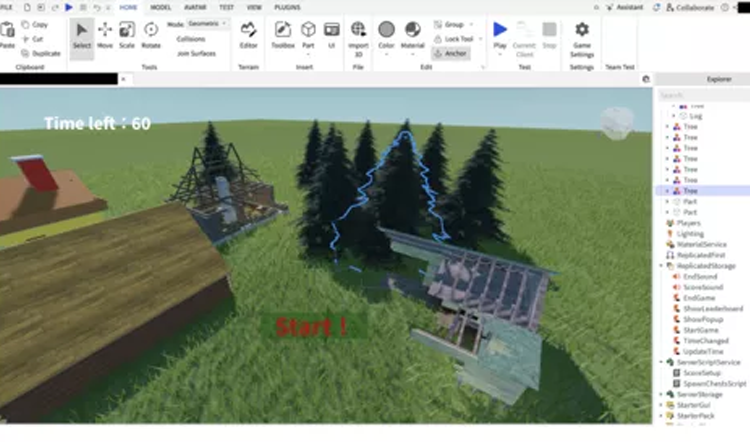
Roblox AI Explorer 101 bridges the gap between imagination and reality. Students dive into Roblox Studio—the same tool used by professional developers—to design 3D worlds and create interactive gameplay experiences. 
By integrating AI tools like ChatGPT, the course helps remove the “coding wall,” allowing students to focus on logic, creativity, and problem-solving while learning the fundamentals of Luau programming. Through this hands-on process, students progress from a blank canvas to building and publishing their own global Roblox game.

Key Benefits

  • Getting Started with AI the Right Way
  • Turn Ideas Into Working Inventions
  • Develop Structured, Logical Thinking
  • Strengthen Creative Problem-Solving
  • Build Confidence through Real Project Success
  • Ages: 8-12
  • Level: Beginner
  • Format: Live, Instructor-led Online
  • Duration: 10 Classes (60 Min Per Class)
  • Class Size: Small Groups (8–10 students)
  • Software: Roblox Studio
  • Focus: AI-Coding & Electronics

$349

Class Schedule 

  • Class A
    03/21/2026 – 05/23/2027
    Every Sat • 10:00–11:00 AM (EST)
  • Class B
    03/21/2026 – 05/23/2026
    Every Sat・6:00–7:00 PM (EST)
  • Class C
    03/28/2026 – 05/30/2027
    Every Sun・5:00–6:00 PM (EST)
Can't attend scheduled sessions?

Who Should Learn 

This course is ideal for: 

AI-Curious Beginners

Students who are interested in AI and need a clear, structured starting point.

Hands-On Builders

Learners who enjoy creating, experimenting, and building real projects to understand how things work.

Creative Problem Solvers

Students who like asking questions, testing ideas, and refining their thinking.

Future-Ready Learners

Those who want to use AI responsibly and effectively as a tool for learning and productivity.

What Parents & Students Say 

All live classes are taught by certified EonSTEM instructors in small groups to ensure individual attention.
This beginner course is very well designed for young learners. The content is clear, engaging, and builds confidence step by step. My child was able to understand the basics of game creation while developing creativity and logical thinking in a supportive online environment.
Parent of an 10-year-old student
 I had fun learning how to make my first game. The lessons were easy to follow, and I liked seeing my ideas turn into something I could play. It made me excited to keep learning game design. 
Student, Age 8

Curriculum & Video Lessons

Enrolled students have full access to step-by-step video lessons and instructor-supported Q&A.

FAQs

Is this too advanced for an 8-year-old?
No. We guide beginners step by step. No prior coding experience is needed.
Do parents need to help?
We encourage independence, but younger students may need light setup help at first.
What if my child misses a class?
Session recordings are available to review anytime.
Can the hardware kit be reused?
Yes. Components can be reused for future projects.

Your Next AI Course

Roblox AI Builder 201

Age: 10–14
Level: Intermediate

AI Smart Lab 301

Age: 10–14
Level: Intermediate