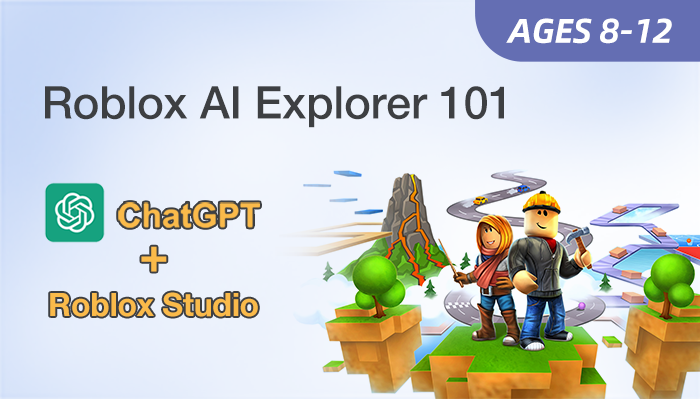
Roblox AI Explorer 101

Flexible, Learn-At-Your-Own-Speed Programs
Hands-On Projects  |  Online Q&A
Ages 8-12
10 Lessons
Self-Paced

Course Overview

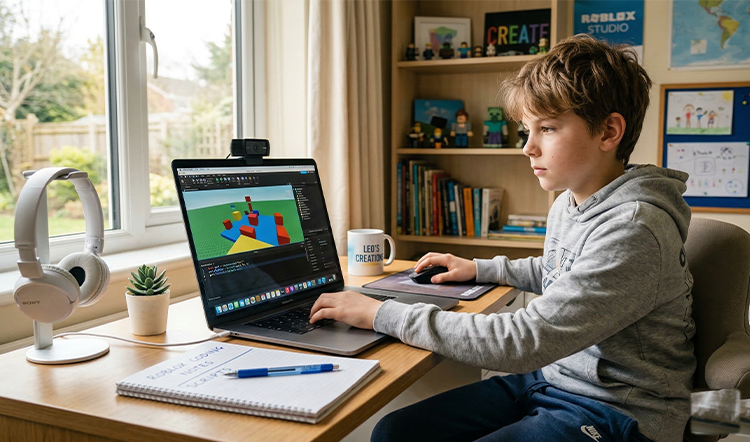
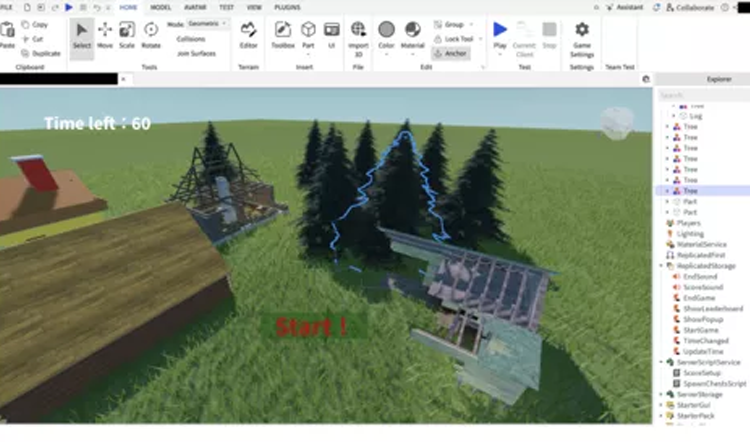
Roblox AI Explorer 101 introduces 8–12 year-olds to 3D creation through the Roblox Studio platform. This entry-level course prioritizes AI literacy and agent interaction over traditional Lua coding, allowing students to build immersive worlds. By mastering precise AI prompting, learners generate functional game elements and fix errors through a structured digital workflow.
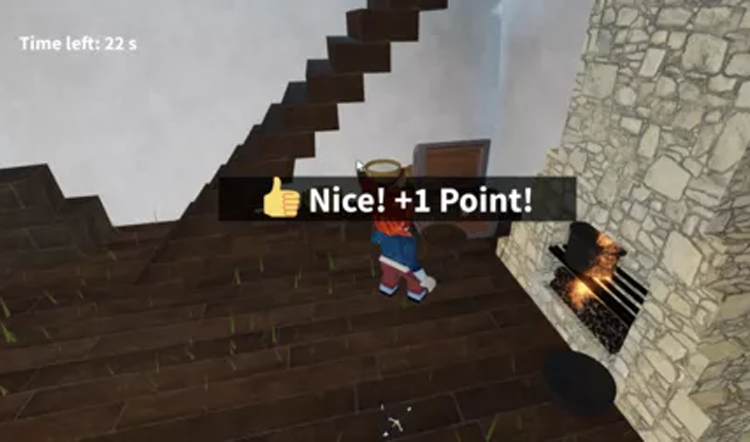
Through hands-on projects like amusement parks and treasure hunts, students develop foundational logic and problem-solving skills. This AI-powered approach transforms passive players into active digital creators by simplifying complex technical barriers. It provides a solid technical base for future advanced AI application levels while meeting parental demands for future-ready STEM skills.

Key Benefits

  • Create Simple Interactive Roblox Experiences Using AI
  • Build Confidence Giving Clear Instructions To AI Tools
  • Develop Early Logical Thinking Through Structured Tasks
  • Use AI To Generate And Improve Basic Scripts
  • Explore Digital Creation Through Guided Hands-On Activities
  • Ages: 8-12
  • Level: Beginner
  • Format: Self-Paced, Hands-On at Home
  • Duration: 10 Video Lessons
  • Software: Roblox Studio
  • Focus: AI-Coding
  • Schedule: Learn anytime, at your pace
  • Support: Online Q&A

$149

×
Course image

Roblox AI Explorer 101
Age: 8–12 years old

Duration: 10 Classes

Format: Self-Paced, Hands-On at Home

$149.00

Student Info

Parent / Guardian Info

Access

  • Immediate access after enrollment
  • One year access
  • Self-paced video lessons
  • Pause and replay anytime
  • Learn anytime, anywhere
  • Stable internet connection required
Can't attend scheduled sessions?

Who Should Learn 

This course is ideal for: 

Curious Young Creators

Students aged 8–12 wanting to build their own 3D interactive worlds.

Active Problem Solvers

Children who enjoy puzzles and logical challenges within a digital environment. 

Independent Learners

Students who prefer learning at their own speed with flexible schedules. 

Busy Families

Learners who need adaptable learning time without fixed class commitments

What Parents & Students Say 

Students receive guided, step-by-step instruction and ongoing platform support throughout their self-paced learning journey.
My son enjoyed building the amusement park at his own comfortable learning speed. 
Parent of an 10-year-old student
 I could rewatch the AI prompting parts until my treasure hunt worked perfectly. 
Student, Age 11

Curriculum & Video Lessons

Enrolled students have full access to step-by-step video lessons and instructor-supported Q&A.

FAQs

Is prior coding experience required?
No, this course focuses on AI interaction and creative 3D design logic.
What software do we need?
Students only need to install Roblox Studio on a computer or laptop.
How does AI help in learning?
Students give instructions to AI, which generates code they test and improve.
What will students create?
Students build small interactive projects using objects, triggers, and simple logic.

Your Next AI Course

Roblox AI Builder 201

Age: 10–14
Level: Intermediate

Roblox AI Builder 301

Age: 10–14
Level: Intermediate