Scratch Animation 401

Transition to Pro Coding with the Full Scratch Interface
Hands-On Projects | Live Support
Ages 7-9
10 Lessons
Online Live

Course Overview

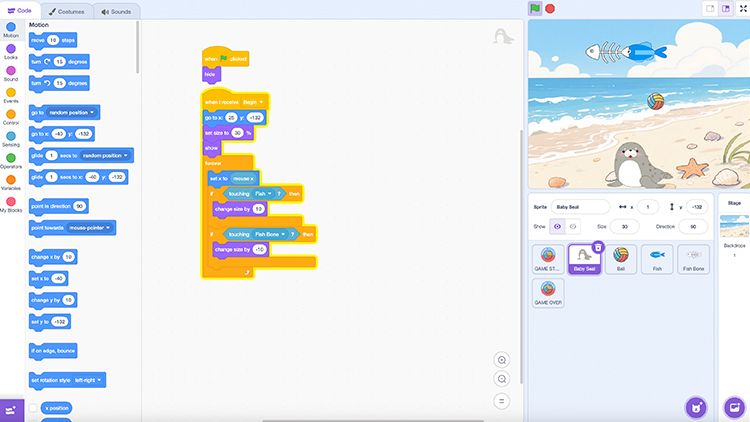
Scratch Animation 401 provides advanced training in complex logic and physics simulation using Scratch 3.0. This course challenges students to manage intricate project structures, focusing on professional coding practices like optimization and cloning for advanced visual effects.
Through sophisticated projects like "Core Ball" and "Slice the Melon," learners develop high-level problem-solving skills. By the end of this module, students will have mastered the logical depth required to create polished, multi-layered interactive experiences within a digital environment.

Key Benefits

  • Master advanced cloning and visual effects
  • Solve complex physics and motion problems
  • Develop efficient scripts for large projects
  • Build multi-level interactive software structures
  • Improve critical debugging and logic skills
  • Ages: 7-9
  • Level: Intermediate
  • Format:  Live, Instructor-led Online
  • Duration: 10 Classes (60 Min Per Class)
  • Class Size: Small Groups (8–10 students)
  • Software: Scratch Jr App (Free)
  • Supprt: Online Q&A

$349

×
Course image

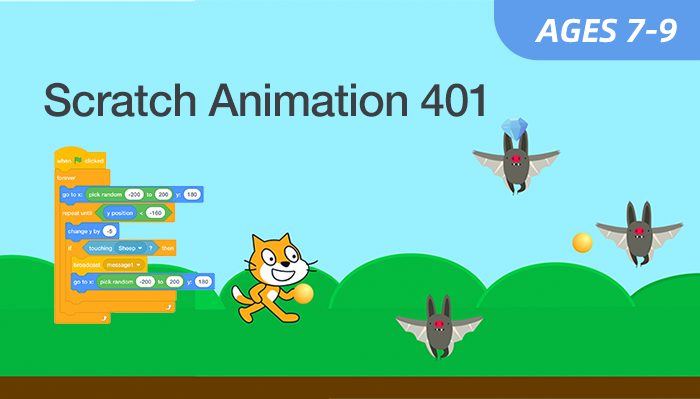
Scratch Animation 401
Age: 7–9 years old

Duration: 10 Classes

Format: Live, Instructor-led Online

$349.00

Select Class

Student Info

Parent / Guardian Info

Class Schedule 

  • Class A
    03/21/2026 – 05/23/2026
    Every Sat • 10:00–11:00 AM (EST)
  • Class B
    03/21/2026 – 05/23/2026
    Every Sat・6:00–7:00 PM (EST)
  • Class C
    03/28/2026 – 05/30/2026
    Every Sun・5:00–6:00 PM (EST)
Can't attend scheduled sessions?

Who Should Learn 

This course is ideal for: 

Advanced Coders

Students who have mastered the basics and seek deeper challenges.

Aspiring Engineers

Learners interested in physics, mechanics, and complex software interactions.

Problem Solvers

Students who enjoy fixing bugs and optimizing their code's performance.

Digital Architects

Learners ready to plan and execute sophisticated, multi-layered projects.

What Parents & Students Say 

All live classes are taught by certified EonSTEM instructors in small groups to ensure individual attention.
Level 401 really challenged my daughter's thinking. She learned how to organize large projects like a real professional. 
Parent of an 8-year-old student
 The slicing mechanics were so cool to build. I feel like a real expert in Scratch now. 
Student, Age 9

Curriculum & Video Lessons

Enrolled students have full access to step-by-step video lessons and instructor-supported Q&A.

FAQs

Is this the final level?
This is the most advanced level in our current series.
Do parents need to help?
We encourage independence, but younger students may need light setup help at first.
What if my child misses a class?
Session recordings are available to review anytime.
What software is needed?
Only a standard web browser for the Scratch 3.0 platform.

Your Next AI Course

AI Smart Lab 101

Age: 8–12
Level: Beginner

Roblox AI Explorer 101

Age: 8–12
Level: Beginner