Roblox AI Explorer 101
Live, Instructor-Led Learning from Anywhere
Ages 8-12
10 Lessons
Online Live
Who This Course Is For
This live online course is for students aged 8–12 who want to learn game creation with real-time guidance. Taught via Zoom, instructors demonstrate Roblox Studio step by step, with live screen sharing and instant feedback. Students build 3D design skills in an interactive class.
Focused on hands-on learning, the course teaches basic Luau coding and how AI supports scripting. With teacher and peer support, students stay motivated, gain confidence, and enjoy a structured introduction to game development and computational thinking.
What Students Will Learn and Create
3D Architecture
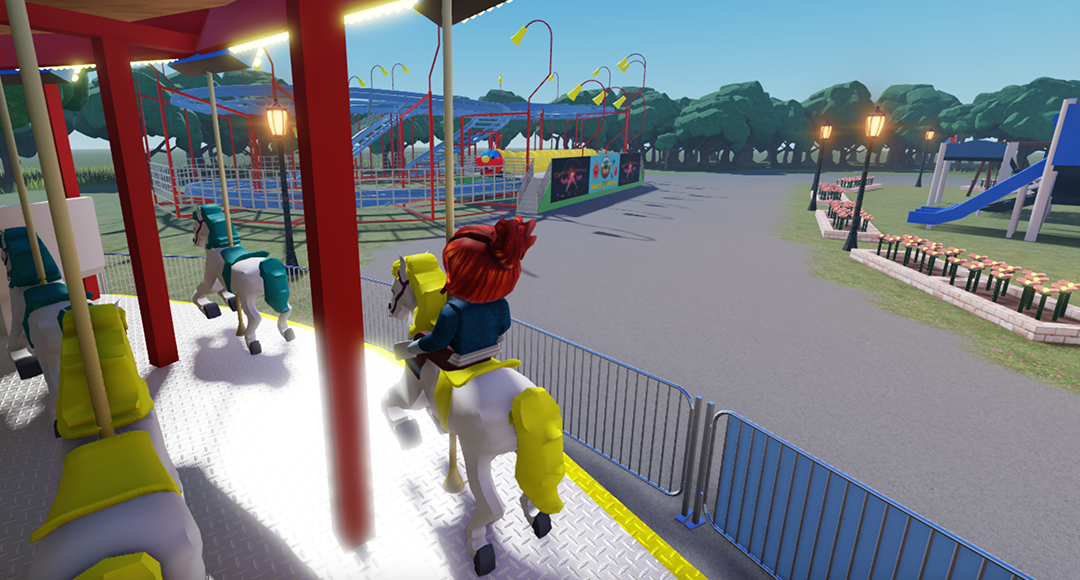
Master terrain tools and environmental design to create immersive 3D game maps.
AI-Assisted Coding
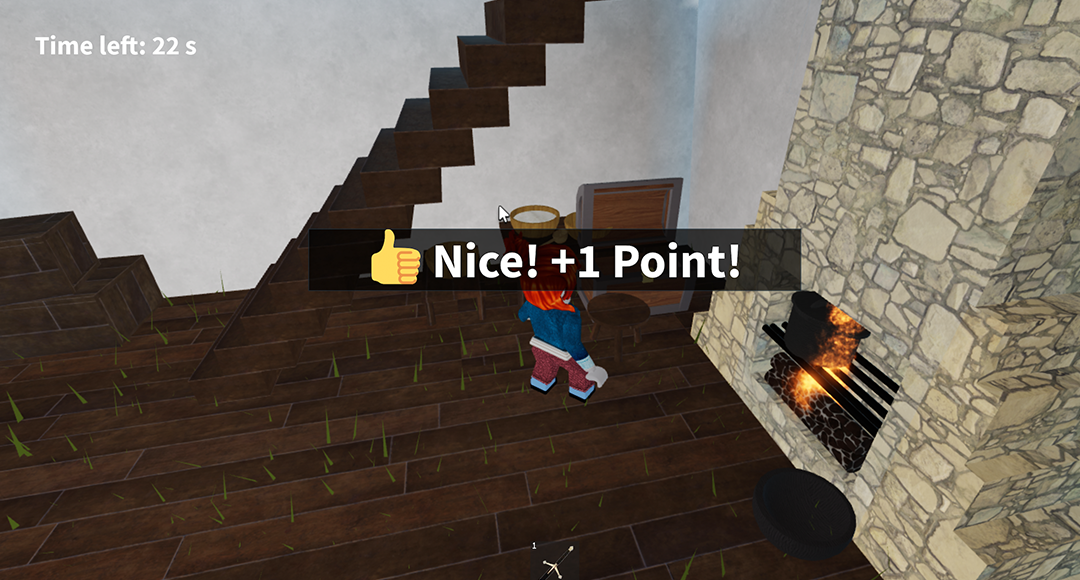
Use ChatGPT to generate, refine, and troubleshoot Luau scripts for complex game mechanics.
Physics & Mechanics
Create interactive game elements like deadly traps, moving platforms, and power-up systems.
Game Publishing
Learn the game development lifecycle, from concept to publishing on the Roblox platform.
Course at a Glance
-
Ages: 8-12
-
Level: Beginner
-
Format: Live, instructor-led online class
-
Duration: 10 video lessons
-
Software: Roblox Studio (Free)
-
Focus: AI-Assisted Coding & Electronics
-

Support: Ask questions anytime via the platform
What Students Will Build
-
Immersive 3D Environments
-
Interactive Obstacle Courses (Obbys)
-
AI-Powered Scripts
-
Multiplayer Experiences
-
Creating functional game projects
What Parents & Students Say About Our Live Classes
All live classes are taught by certified EonSTEM instructors in small groups to ensure individual attention.
“ This beginner course is very well designed for young learners. The content is clear, engaging, and builds confidence step by step. My child was able to understand the basics of game creation while developing creativity and logical thinking in a supportive online environment.”
Parent of an 10-year-old Student
“ I had fun learning how to make my first game. The lessons were easy to follow, and I liked seeing my ideas turn into something I could play. It made me excited to keep learning game design. ”
Student, Age 8
Class Schedule & Enrollment
-
Class A
3/18/2026 – 5/23/2026
Every Thu • 6:00–7:00 PM (EST)
-
Class B
3/21/2026 – 5/23/2026
Every Sat • 5:00–6:00 PM (EST)
$349
Can't attend scheduled sessions?
Course Details
Overview
Hardware
FAQ’s
Gallery
Course Overview
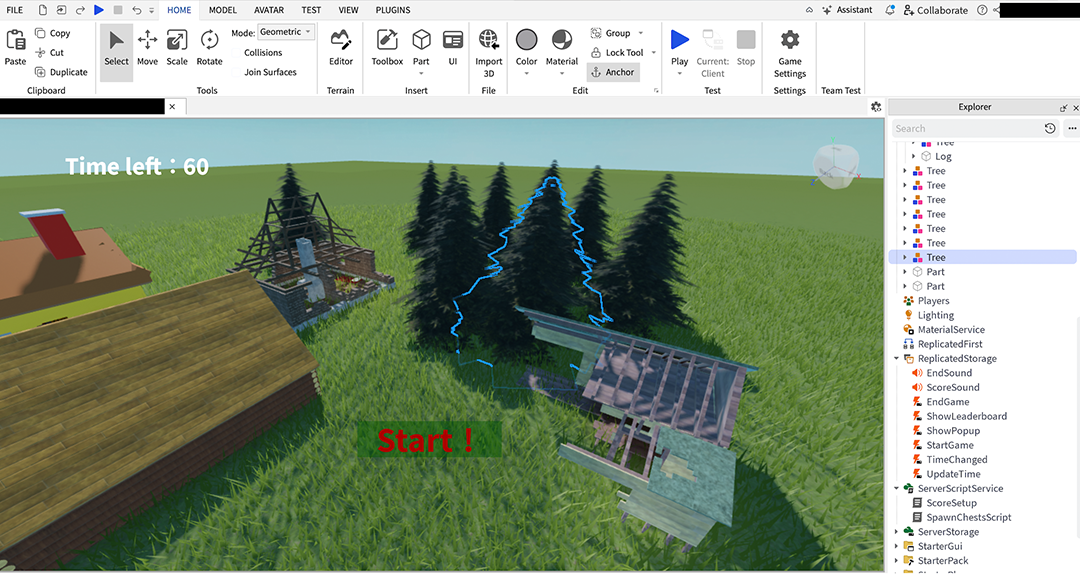
Roblox AI Explorer 101 bridges the gap between imagination and reality. Students dive into Roblox Studio—the same tool used by professional developers—to architect 3D worlds and script gameplay. By integrating AI tools like ChatGPT, we remove the "coding wall," allowing students to focus on logic and creativity while learning the fundamentals of Luau programming. This is a high-energy, hands-on journey from a blank canvas to a published global game.
What You’ll Learn
-
Master the Roblox Studio interface and 3D tools.
-

Manipulate gravity, velocity, and collisions in 3D space.
-
Identify and fix errors using developer console tools.
-

AI tools for scripting and speed up development.
-

Enhance games with professional visual effects.
-
Share your creations on the Roblox platform.
What You'll Need?

1. Hardware
- Computer: A PC or Mac capable of running Roblox Studio (refer to Roblox's official system requirements).
- Internet: A stable connection for Zoom and Roblox Studio's cloud-based features.
- Peripherals: A mouse with a scroll wheel is highly recommended for 3D navigation.
2. Software
- Roblox Studio: Free for Windows and macOS.
- Zoom: Required for attending the live instructor-led online sessions.
- Web Browser: Access to ChatGPT or similar AI tools for coding assistance.

Frequently Asked Questions
1. Where are the classes held?
All sessions are conducted live online via Zoom, allowing students to participate from anywhere.
2. What materials or tools are needed?
You need a computer (Windows or Mac) with Roblox Studio and Zoom installed, along with a stable internet connection.
3. How are the classes conducted?
Students can learn in three flexible formats:
- Live Online – interactive sessions with American instructors
- Self-Paced – video lessons to study anytime
- In-Person – available at select EonSTEM Academy locations
4. Do I need prior coding experience?
No. This course is beginner-friendly and uses AI to help students learn coding logic in an accessible way.


Course Contents:
Continue the Roblox AI Journey
Roblox AI Builder 201
Age: 10–14
Level: Intermediate
Level: Intermediate
Roblox AI Builder 301
Age: 10–14
Level: Intermediate
Level: Intermediate
About Us
Collaborations
Course Categories
©Copyright EonSTEM 2026